
Hoco E93A Smart Finder Supports Google Find My Device Works With Android
Original price was: 1,200.00৳ .999.00৳ Current price is: 999.00৳ .
Feature:
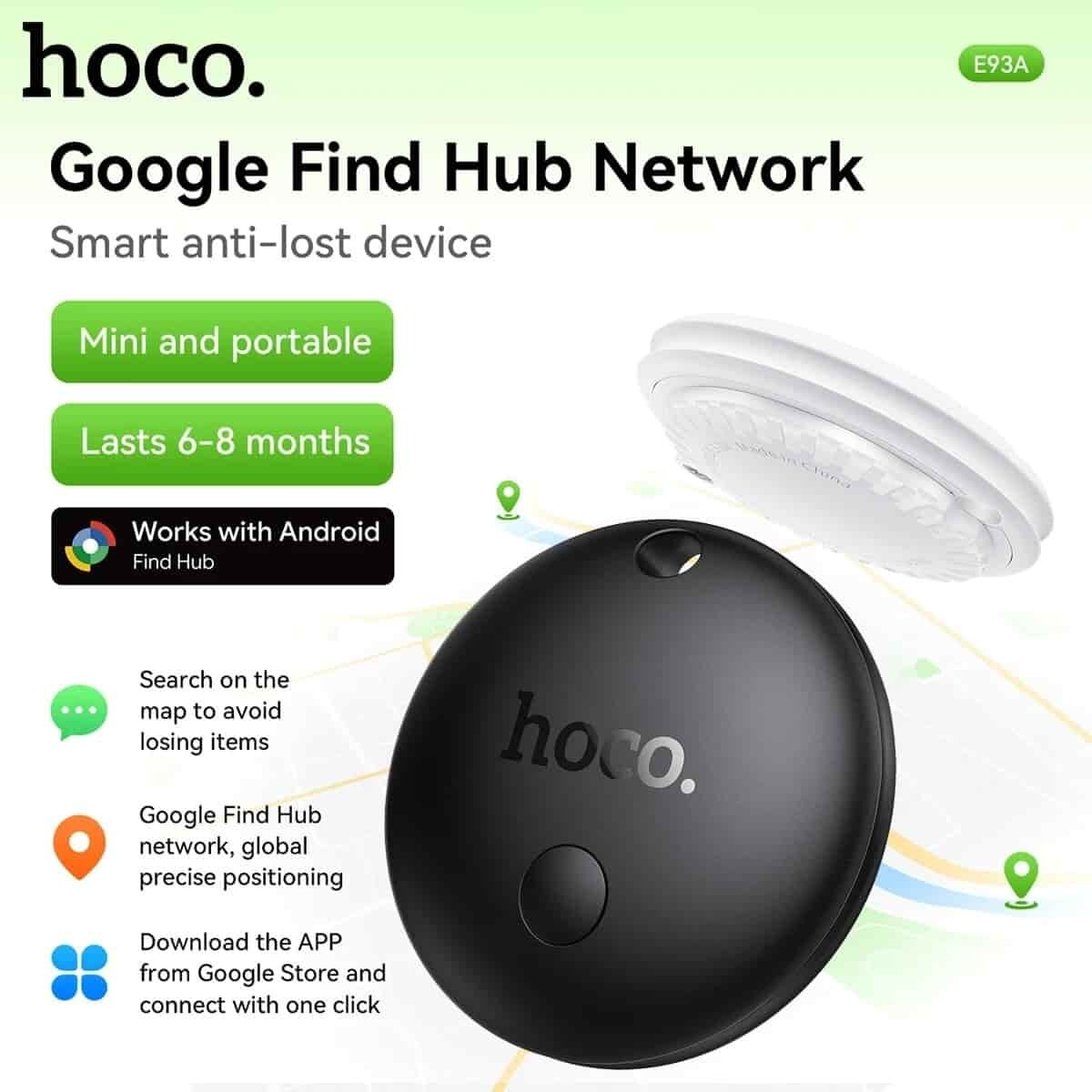
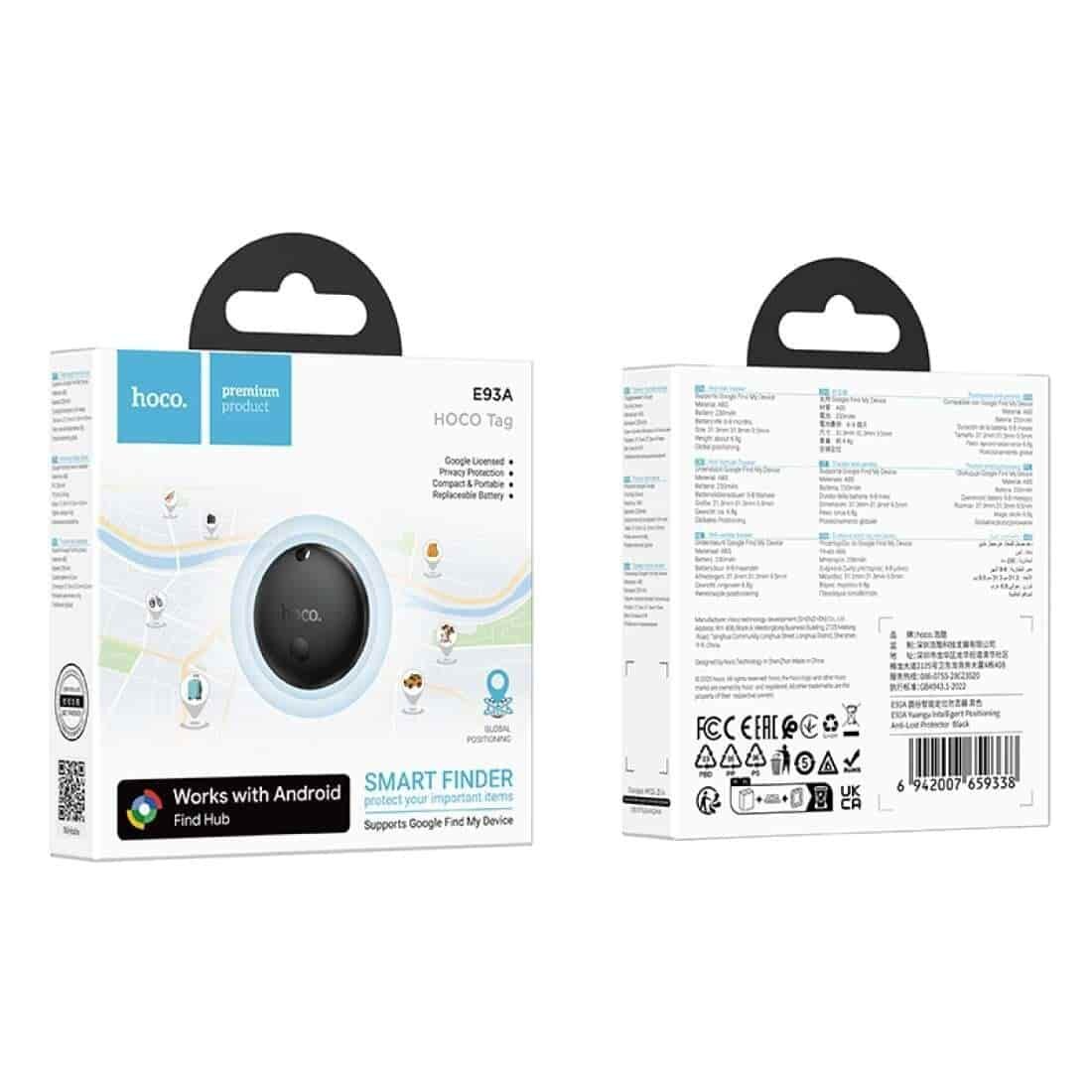
Supports Google’s Find My Device network
Material: ABS
Dimensions: 31.3 * 31.3 * 9.5 mm
Weight: 6.8 g
Battery: 230 mAh Battery life: 6-8 hours
Compatible with 90% of foreign Android phones running Android 9 and later versions
Hoco E93A Smart Finder Supports Google Find My device Works With Android
Hoco E93A Smart Finder Supports Google Find My Device Works With Android In Bangladesh
Details
HOCO E93A Android GPS Tag: A GPS tracking device for Android, compatible with Google Find My Device, for tracking lost items. This smart anti-lost device is easy to use and portable.
– Lost item tracker device for Android systems (Android 9.0 and above), compatible with both mobile phones and tablets.
– Easy to use, no need to download additional apps. Simply use the Google Find My Device app that comes pre-installed on your Android device. No additional apps are required.
– Provides location alerts on a map and emits an audible ring when within Bluetooth range, making it easy to find items even in a room or bag.
– Track lost items in real-time with the Google Find My Device Network. Track their location worldwide.
– The CR2032 button cell battery is replaceable and has a lifespan of 6-8 months per battery.
– High security system, supports data encryption, prevents tracking by others.
– Works on multiple devices simultaneously; simply log in with a single Google ID.
– Energy efficient; long standby time without frequent battery changes.
– Compact design, lightweight at only 6.8 grams, easy to carry like a keychain.
– Versatile use; can be used on keychains, bags, wallets, travel bags, etc.
– Suitable for Android users who want a Google-compatible tracking device.
【How to use】
1. Download and install the Google Find My Device app from the Google Play Store (if you don’t already have it on your device).
2. Turn on Bluetooth and connect to Wi-Fi or your phone’s cellular network.
3. Remove the insulation sticker from the E93A. The device will automatically emit a sound.
4. A “HOCO Tag” connection window will pop up on your phone > Press Open App > Press Connect to establish connection.
5. Press the “Accept and connect” button. The system will connect automatically.
6. Once connected, you can open the app to locate the device through the app.
Top rated products
-
 Hoco E103 Bluetooth Tracker for Apple & Android Find My
Original price was: 1,500.00৳ .1,150.00৳ Current price is: 1,150.00৳ .
-
 Hoco E93A Smart Finder Supports Google Find My Device Works With Android
Original price was: 1,200.00৳ .999.00৳ Current price is: 999.00৳ .
-
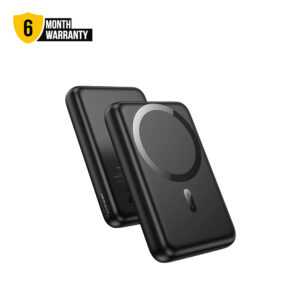 Hoco J141 10000mAh 20W PD Powerbank 15W Wireless Charging Type C Input Output PD Fast Charging Lightweight Wireless Powerbank
Original price was: 2,499.00৳ .1,999.00৳ Current price is: 1,999.00৳ .
-
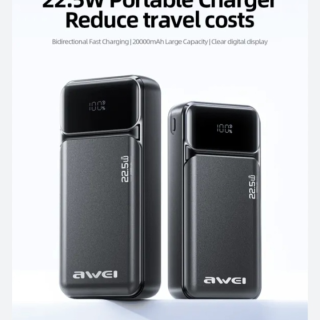 Awei PA-92 20000mah 22.5W Fast Charging Power Bank
Original price was: 1,600.00৳ .1,550.00৳ Current price is: 1,550.00৳ .
-
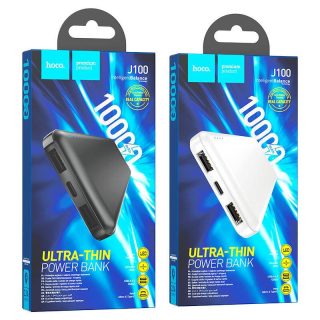 Hoco J100 Power Bank 10000mAh Dual USB Output, Type-C & Micro-USB Input – Black
Original price was: 1,400.00৳ .1,150.00৳ Current price is: 1,150.00৳ .
On Sale
-
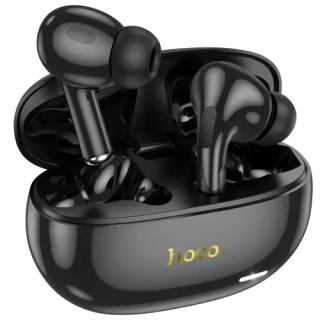 Hoco EW60 Plus ANC True Wireless Earbuds
Original price was: 1,300.00৳ .1,250.00৳ Current price is: 1,250.00৳ .
-
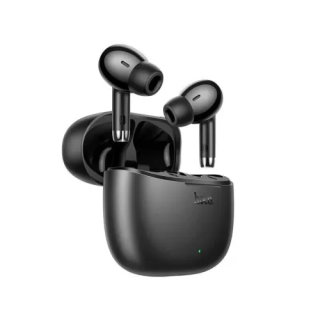 Hoco EQ2 Earbuds
Original price was: 1,080.00৳ .990.00৳ Current price is: 990.00৳ .
-
Hoco E103 Bluetooth Tracker for Apple & Android Find My
Original price was: 1,500.00৳ .1,150.00৳ Current price is: 1,150.00৳ .
-
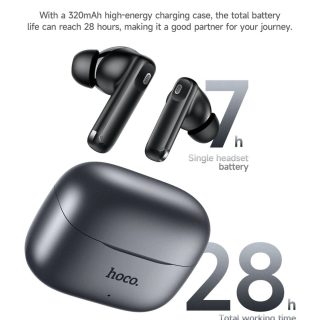 HOCO EQ27 ANC+ENC Noise Reduction Smart Al Translator Earbuds Wireless Earphones Long Playtime Bluetooth 5.4 HD Call Clear Big Bass
Original price was: 2,500.00৳ .1,800.00৳ Current price is: 1,800.00৳ .
-
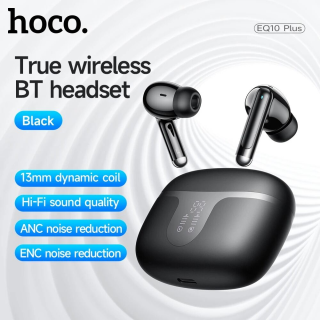 Hoco EQ10 Plus Harmony ANC + ENC TWS Earbuds Bluetooth 5.4 13 Mm Drivers 7 H Playback 6 H ANC 300 mAh LED - TECHEXBD
Original price was: 1,600.00৳ .1,400.00৳ Current price is: 1,400.00৳ .


Reviews
There are no reviews yet.